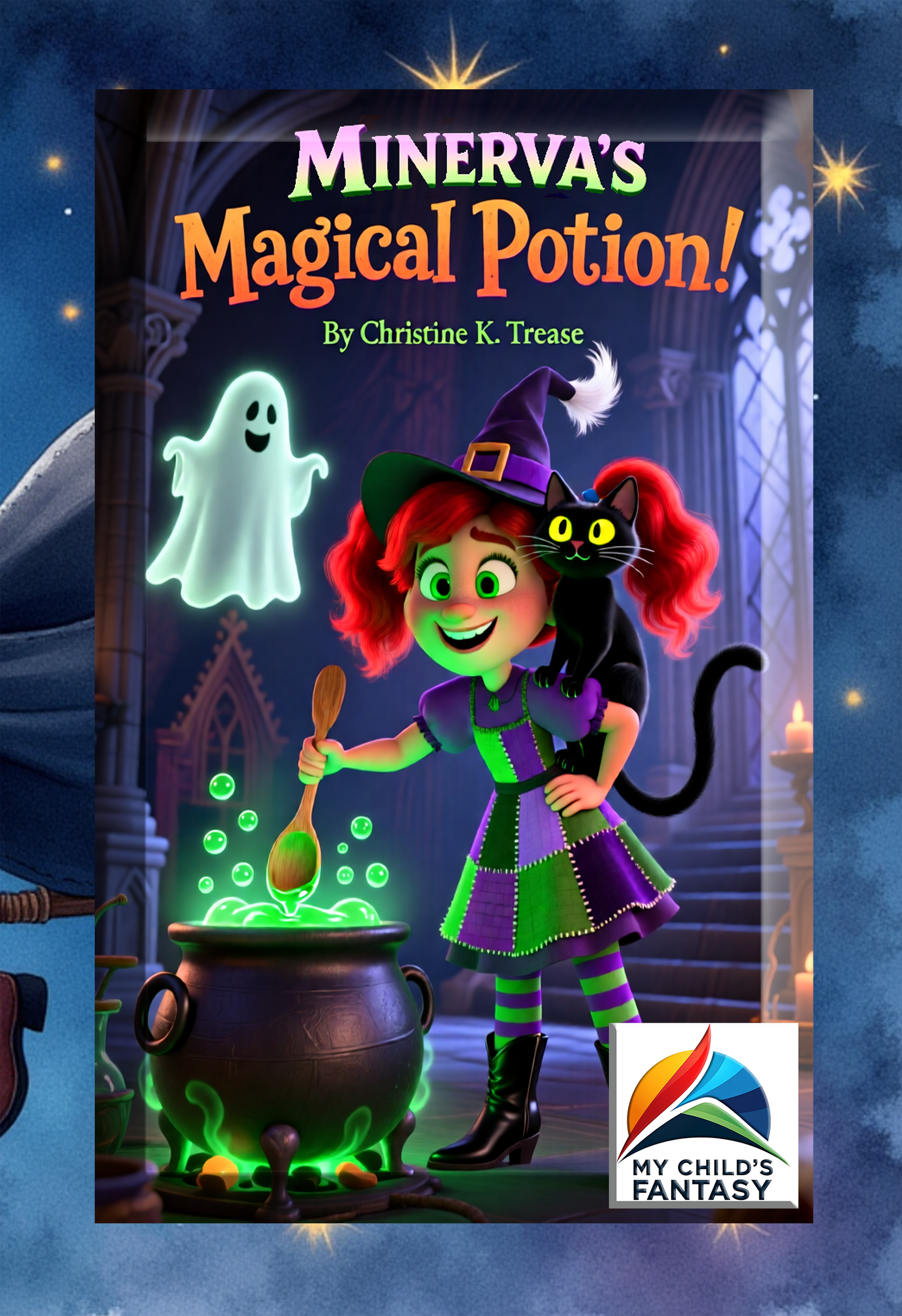
Minerva's Magical Potion Book
Minerva's Magical Potion Book
These books present a brand-new publication style for the reader recipient and the parent or giver.
The print books contain coloring pages in the back of the book and a blank page for each coloring page that allows the recipient the opportunity to create their own image.
What a creative and unique way to preserve those precious memories of childhood drawings.
It has always been the case that rhyming aids in remembering. This is true with everything from advertising to engraining childhood facts in your mind. That is why these books are particularly beneficial in educating children about numbers. They are fun, entertaining, and instill a lifetime of remembering numbers.
This counting book series is delightful and children learn to count as they read through each page. Written in rhyme, this catchy verse captivates your child and makes learning fun. One of several counting books in the "Come Count With Me" series. These books are enchanting, educational and fun!
Minerva’s Magical Potion Synopsis: How was the first witch hat created? Where did innovations in broom improvements come from? See as one little witch tells a tale of her great-great grandmother’s ingenuity. Minerva creates her magical potion (quite by accident) and finds that the versatility is rather astounding. You and your child will delight at this fabulous Halloween tale that can be enjoyed year-round. You will never tire of reading it and your child will be a captive audience every time it is read. This book is sure to delight and please!
Dedication: Especially dedicated to my daughter Lexi whose elementary class I visited to write this book. Together we experienced the process and then the final product. They chose the subject and I showed them how to run with it. I hope I inspired even one child to write.
To add a PDF to your Kindle app, use the "Send to Kindle" feature via email, the web browser (amazon.com/sendtokindle), or the app's share menu. Supported files appear in your library across devices. For best results, use the "convert" option in the email subject to enable Kindle formatting, or keep the original layout for PDF viewing.
Methods for Adding PDFs to Kindle App:
- Email Method (Best for Mobile/Desktop):
- Find your Send-to-Kindle email: Go to "Manage Your Content and Devices" on Amazon, then "Preferences," and look under "Personal Document Settings".
- Approve your email: Under the same settings, add your personal email address to the "Approved Personal Document Email List".
- Email the PDF: Attach the PDF file to an email and send it to your Kindle email address. Type "Convert" in the subject line to convert it to Kindle format.
- Send to Kindle Web:
- Go to amazon.com/sendtokindle.
- Sign in with your Amazon account.
- Drag and drop the PDF file into the web page, or select it from your device.
- Share from Phone/Tablet:
- Locate the PDF file on your device (iOS or Android).
- Select the Share button.
- Choose the Kindle app from the app list to send the document.
Important Notes:
- File Size: Email transfers are limited to 50 MB.
- Syncing: Ensure your Kindle app is connected to Wi-Fi to receive the file, which usually appears in a few minutes.
- File Types: Besides PDF, this works for DOC, DOCX, TXT, RTF, JPG, and EPUB files.
Couldn't load pickup availability