Books For Grownups-Anthology Of Agony Poetography Book
Books For Grownups-Anthology Of Agony Poetography Book
I want no living thing to be in agony.
My wish, is for each of us to understand agony, to enable us to become compassionate and empathetic.
This is a compilation of everything from addiction to emotions to equality and beyond. These works hopefully make you feel, make you understand and make you empathetic for your fellow man.
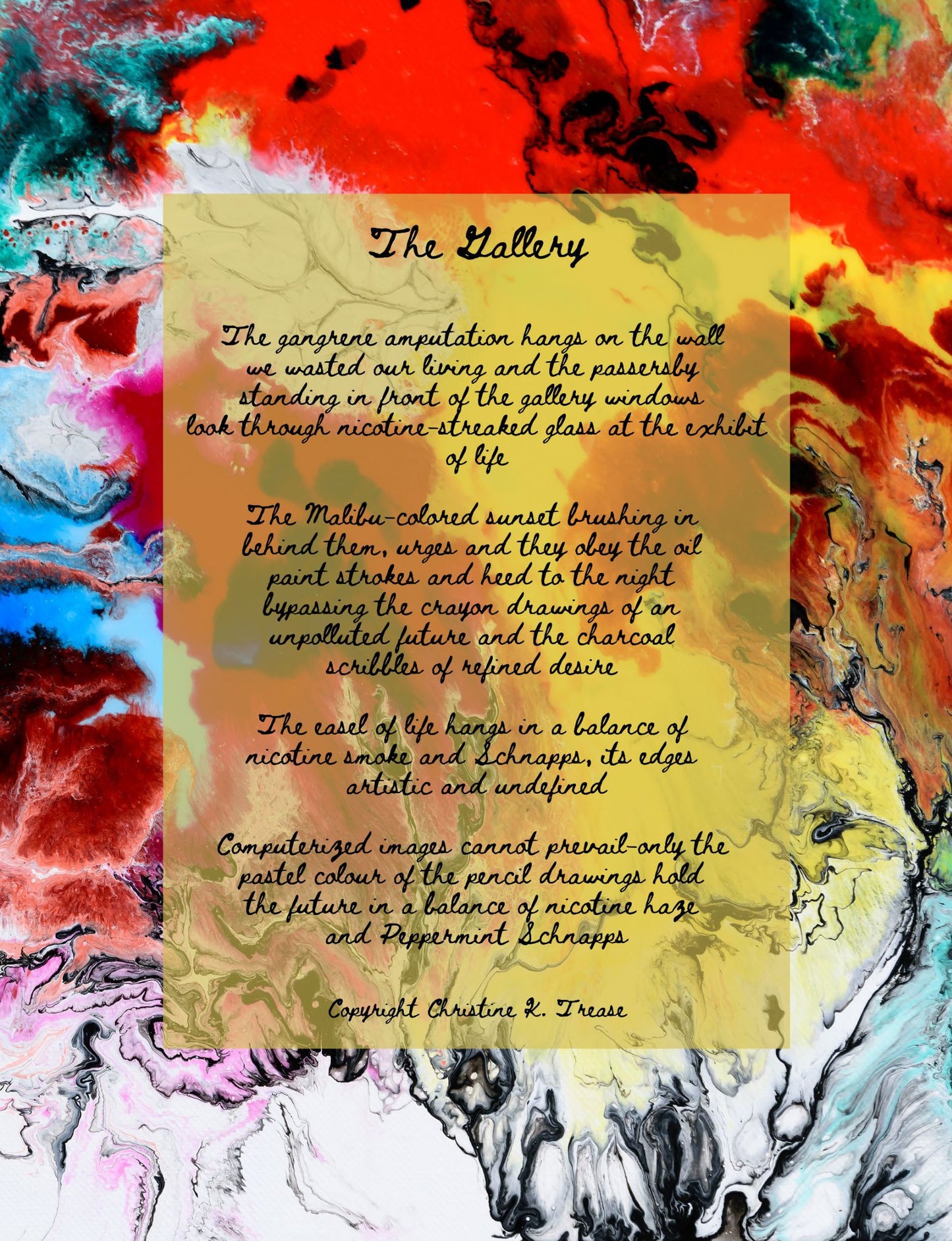
Crafted with poetry accompanying emotion and thought provoking imagery this book, which I call Poetography, is sure to bring thought for years to come.
To add a PDF to your Kindle app, use the "Send to Kindle" feature via email, the web browser (amazon.com/sendtokindle), or the app's share menu. Supported files appear in your library across devices. For best results, use the "convert" option in the email subject to enable Kindle formatting, or keep the original layout for PDF viewing.
Methods for Adding PDFs to Kindle App:
- Email Method (Best for Mobile/Desktop):
- Find your Send-to-Kindle email: Go to "Manage Your Content and Devices" on Amazon, then "Preferences," and look under "Personal Document Settings".
- Approve your email: Under the same settings, add your personal email address to the "Approved Personal Document Email List".
- Email the PDF: Attach the PDF file to an email and send it to your Kindle email address. Type "Convert" in the subject line to convert it to Kindle format.
- Send to Kindle Web:
- Go to amazon.com/sendtokindle.
- Sign in with your Amazon account.
- Drag and drop the PDF file into the web page, or select it from your device.
- Share from Phone/Tablet:
- Locate the PDF file on your device (iOS or Android).
- Select the Share button.
- Choose the Kindle app from the app list to send the document.
Important Notes:
- File Size: Email transfers are limited to 50 MB.
- Syncing: Ensure your Kindle app is connected to Wi-Fi to receive the file, which usually appears in a few minutes.
- File Types: Besides PDF, this works for DOC, DOCX, TXT, RTF, JPG, and EPUB files.
Couldn't load pickup availability